CRM · WhatsApp automation
WhatsApp CRM and AI assistant
We collect enquiries from WhatsApp, ad forms and your website in one CRM, assign each one to a team member, and set up follow-up reminders and quote stages. Optionally we set up WhatsApp Business's AI assistant from your past chats so the first reply goes out 24/7. Set-up starts from 50,000 TL (excluding VAT).
WhatsApp, form and web enquiries together
First reply from the AI assistant
Enquiry, call, quote, outcome
Set-up starting price, excl. VAT
Problem
Three follow-up problems we see often.
- ✕
Chats live on personal phones
Customer conversations sit in employees' own WhatsApp. When someone is on leave or leaves, the history goes with them.
- ✕
Ad leads are answered late
People who fill in a form are called hours later and may already be talking to a competitor. Nobody knows who should reply.
- ✕
Quotes are forgotten
Who received a quote and who needs a call back lives in a spreadsheet or notebook. Nobody knows which channel turns into sales.
Fit
Who is it for?
Businesses with heavy WhatsApp traffic
Gyms, beauty centres and tourism teams answering many questions a day.
Firms that sell through quotes
Marble, building materials, glass balconies and energy systems with measurement, pricing and quote stages.
Businesses collecting ad leads
Teams that need Meta and Google form leads to reach the right person quickly.
Teams with several sales reps
Several people replying from one number who need to know who handles which customer.
Let's talk if any of these sound familiar:
- Customer chats are on employees' personal phones.
- Quote follow-up lives in a spreadsheet or someone's memory.
- Ad form leads aren't answered the same day.
- Messages after hours wait until the next day.
Example flow
Example flow: from WhatsApp message to quote (illustrative).
- 01
Message arrives
A customer writes on WhatsApp in the evening from an Instagram ad. A new enquiry opens in the CRM, tagged with the source “Instagram ad”.
- 02
First reply
The AI assistant answers first questions with information you approved and collects what's needed for a quote (size, address, date).
- 03
Assignment
Next morning the enquiry is assigned to a sales rep by region or service, and the rep is notified.
- 04
Reminder
If the rep doesn't reply within the agreed time, the CRM sends a reminder; managers see overdue enquiries in a list.
- 05
Call notes
After the call, needs, budget and next step are added. The customer's history stays in one place.
- 06
Quote stage
When a quote is sent the enquiry moves to “Quote sent”, with amount and date recorded.
- 07
Follow-up
On the agreed day the rep gets a “call back” task. The outcome closes as “Won” or “Lost” with a reason.
- 08
Report
At month end one report shows enquiries per channel, how many received quotes and how many became sales.
How we work
CRM and automation set-up in five steps.
- 01
Process review
We map where enquiries come from, who answers and which stages a sale goes through.
- 02
Chat analysis
We review past customer chats to find frequent questions, your answers and the conversations that lead to sales.
- 03
Set-up and connections
We connect web forms, Meta lead forms and WhatsApp to the CRM and define stages, assignment rules and reminders.
- 04
AI assistant
We set up the assistant from your chats and product and service information, then test and correct it with real questions.
- 05
Training and support
Hands-on team training, a user guide and 30 days of support.
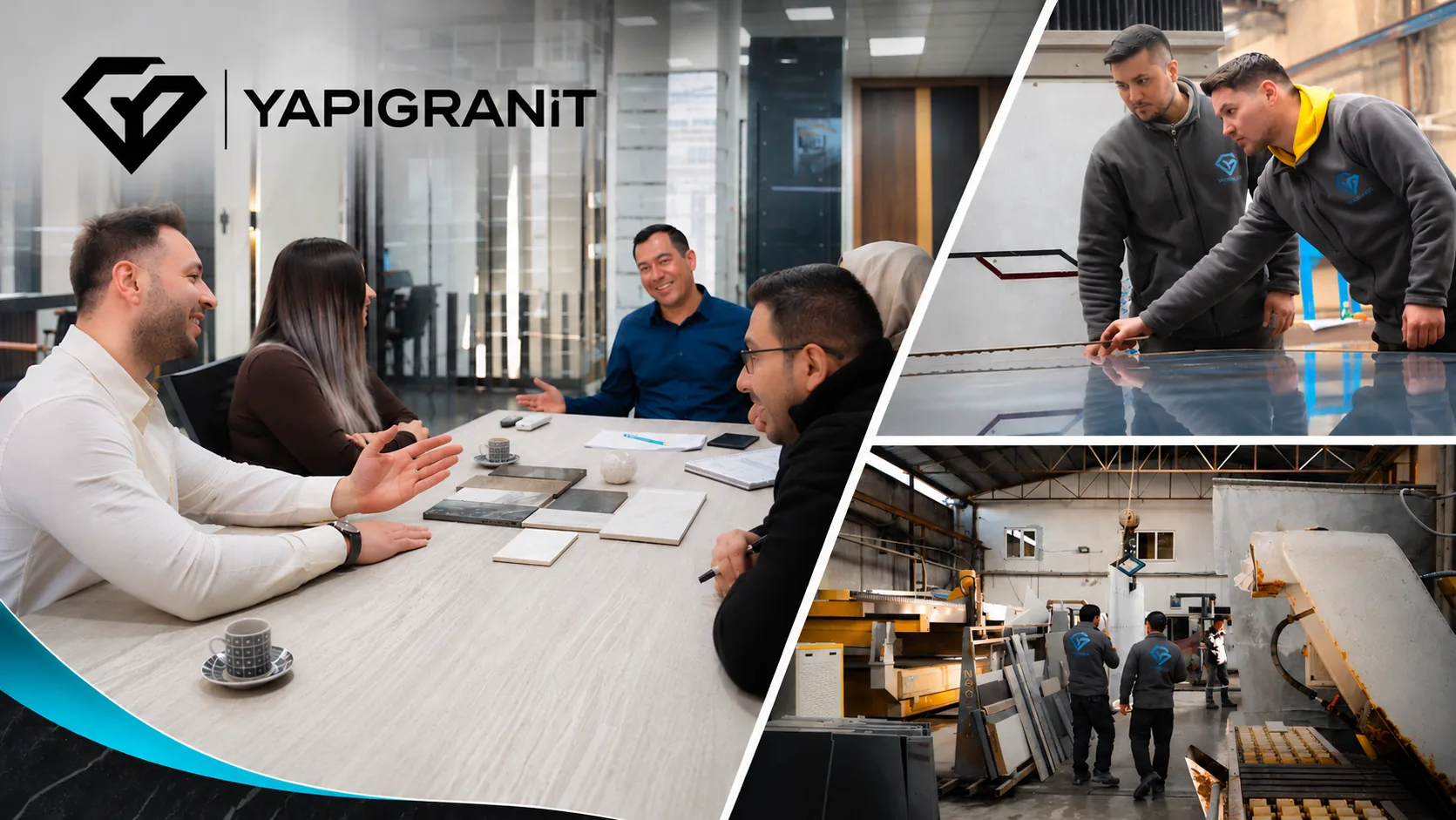
Real client work
Brands we deliver this service for.
Services and guides
Related services.
FAQ
WhatsApp CRM and automation FAQ.
Let's grow together.
In a free review we look at your account or website, then call you within 24 hours with what we found and the first three steps. No commitment required.